
Getting Started
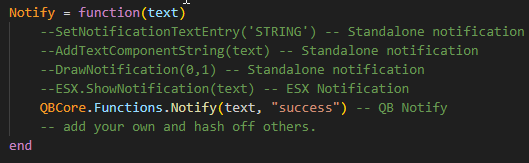
Navigate to the available/availableclient.lua. Make the appropriate changes to the 'notify' function. Here:
Items
If you are running QBCore Framework, we automatically insert the item when the resource starts.
You can find the thread in the 'availableserver.lua'.
Here: 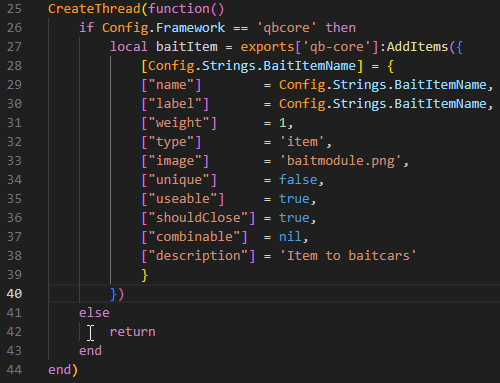
Last updated